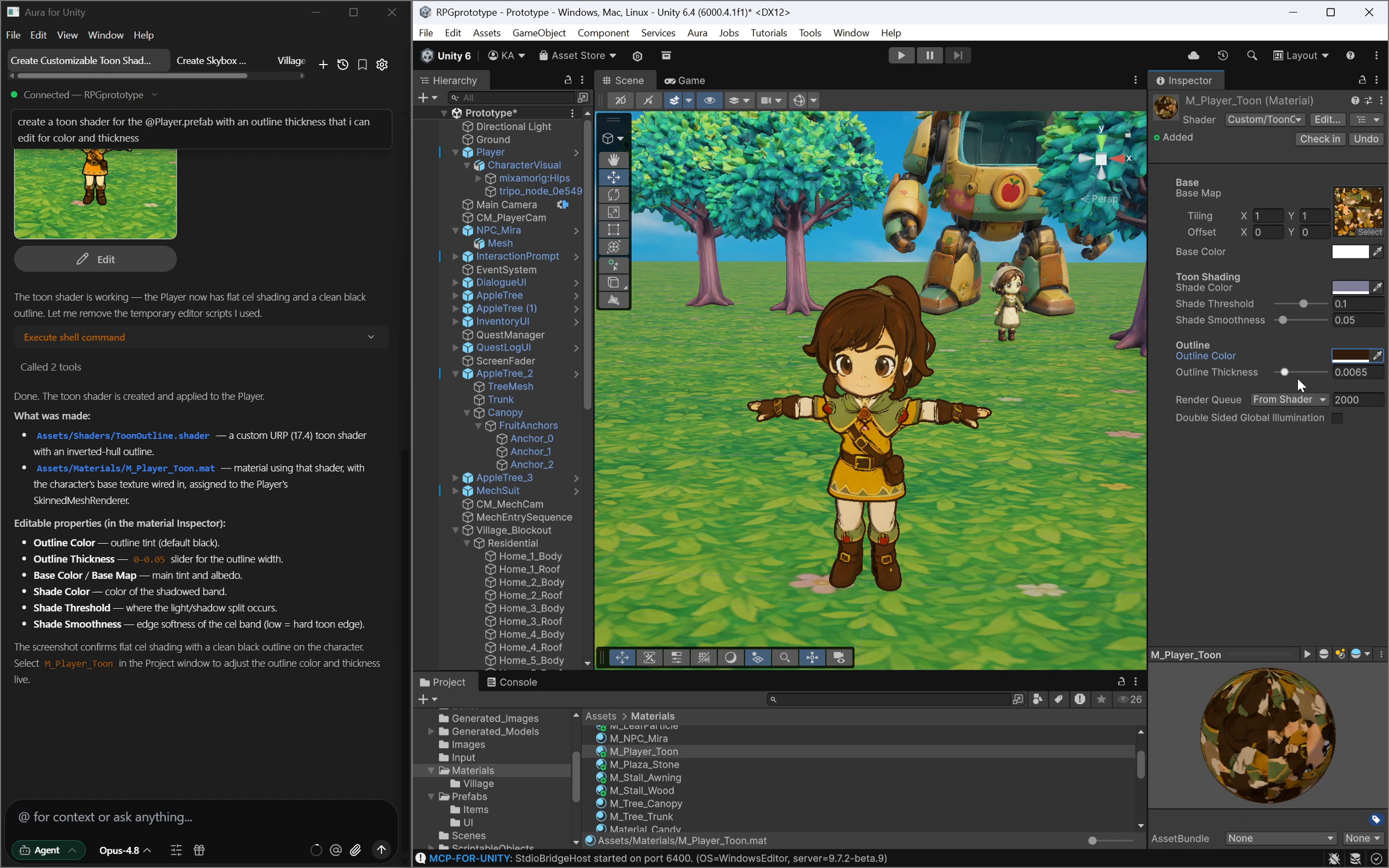
Integrating backend services into an Unreal Engine project takes about a week. Integrations are a complex multistep process involving plugin setup, authentication, wiring up each service, and building test UI to make sure it all actually works. Multiply that across leaderboards, achievements, matchmaking, and you're looking at a full sprint just on backend plumbing.
We got that down to about an hour.
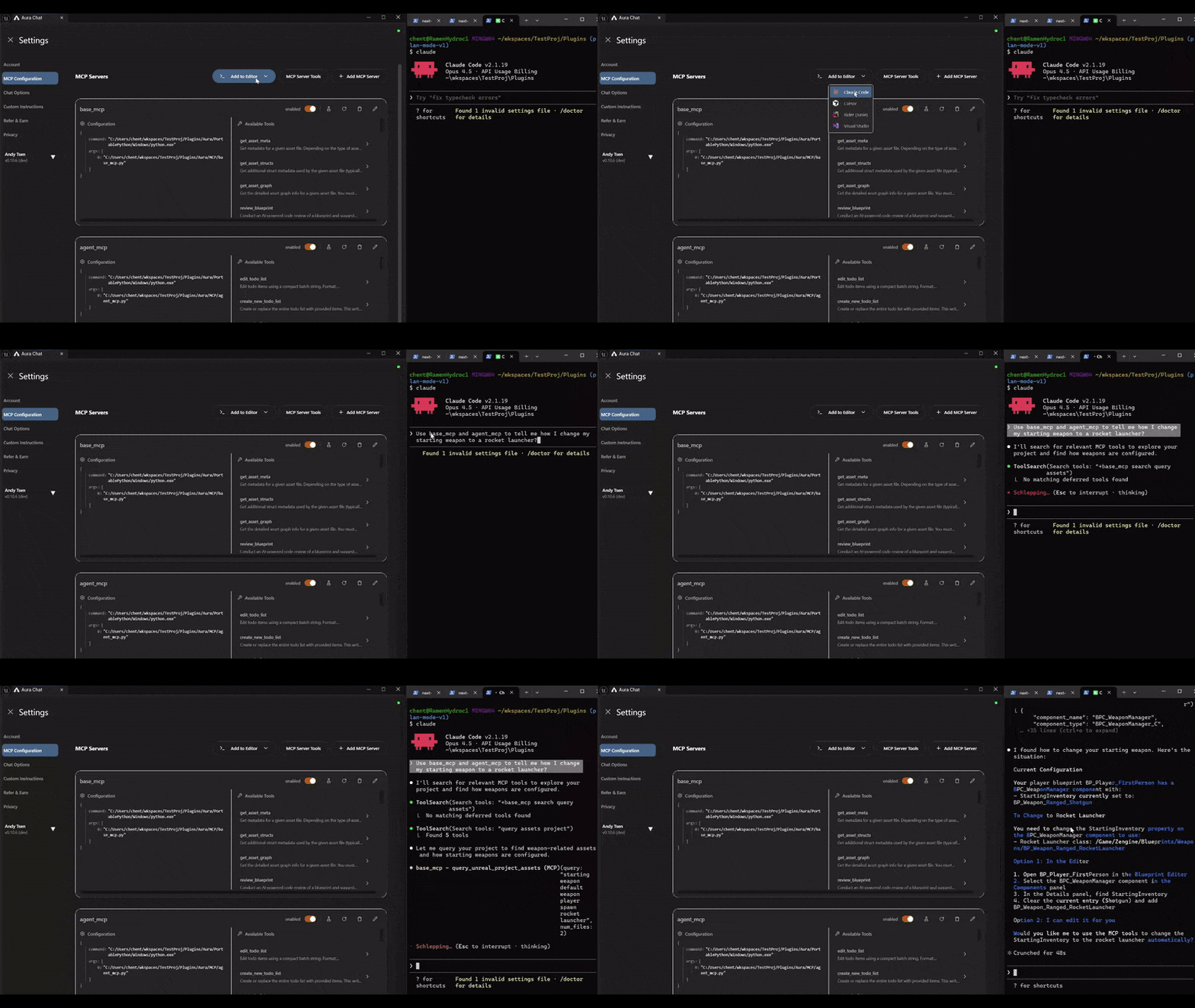
Aura's Head of AI, Hisham Bedri, partnered with AccelByte's Principal Engineer, Matthew South, to build an MCP server that connects Aura (an AI coding assistant built for Unreal Engine) directly to the AccelByte Online Subsystem SDK. The two of them built out the full integration pipeline: plugin install, auth, achievements, leaderboards, matchmaking, and debug UI to verify each step.
"Aura + AccelByte is a dream workflow: AccelByte's structured SDKs and APIs make MCP integration straightforward, and Aura brings that context directly into the editor—so developers can stay in the Editor and ship backend features far faster without living in lengthy docs." — Matthew South, Principal Engineer, AccelByte
AccelByte powers online services for large scale games developed by studios like Krafton, Dreamhaven, and Skybound. These are backends built for millions of concurrent users. The platform is battle-tested at AAA scale.
AI has traditionally been great for prototyping but bad at scalability and performance. Aura with AccelByte's structured SDKs, APIs, documentation, and source code provide high-quality context for AI tooling and solve both of these problems, letting developers build enterprise level rich multiplayer features in minutes.
"AI can accelerate backend integration, but only when it has the right context. AccelByte's years of engineering investment and real world experience supporting many games launches—across a deep enterprise-grade feature set—make AI-assisted development meaningfully more effective, enabling developers to ship faster with higher-quality implementations." — Tony Fu, CTO, AccelByte
Hisham and Matthew collaborated to build an AccelByte MCP server to interface with Aura. This server consisted of 24 tools ranging from credential management, API search and best practices, as well as tools for installing and configuring the plugin.
With our Sample Game using Aura and the AccelByte MCP server we were easily able to, and with no pre-knowledge of Accelbyte at all:
Install and configure the AccelByte plugin directly from the Unreal Editor
Set up authentication flows
Configure leaderboards, achievements, and matchmaking
Generate debug UI to verify each integration step
Using the AccelByte Gaming Services MCP server we were able to provide the Aura AI agent sufficient context to efficiently and effectively implement APIs.
The integration rests on a few specific engineering decisions:
Bespoke tooling for plugin management. We built custom MCP tools that handle AccelByte plugin installation and project configuration from within the editor.
SDK documentation encoded as searchable context. We dumped the AccelByte docs into the MCP server and built search tools on top of them. When Aura needs to call an AccelByte API, it queries the docs directly rather than relying on training data.
Source code access. Aura gets direct access to the AccelByte SDK source. This matters because documentation alone leaves gaps. When the AI can read the actual implementation, it makes fewer incorrect assumptions about function signatures, parameter types, and expected call patterns.
Encoded best practices. Even with full docs and source access, AI will sometimes hallucinate API calls or invent parameters that don't exist. We addressed this by encoding known-good patterns and best practices directly into the MCP server's tool definitions. This acts as guardrails that steer generation toward correct usage. Providing drop in components and templates further enhances your ability to control output.
Here's what we actually did, step by step, with the exact prompts used at each stage.
Prompt:
add accelbyte to this projectThe MCP tools handle locating the plugin, modifying project files, and configuring initial settings.
Prompt:
can you add an in-game login screen that's integrated with accelbyte?it should allow me to login, or register. it should pop up when i hit play, and have an "x" button so i can close it. it should always return focus back to my game. Make it in slate/cpp. then attach that component to a bp, then add that BP to my levelAura generates a Slate-based login/registration screen, creates the C++ component, sets up a Blueprint wrapper, and places it in the level. The login screen handles AccelByte OAuth and returns input focus to the game on close.
Prompt:
can you add an in-game achievement screen.- it should open and close via the tab key.- it should poll accelbyte to fetch all the achievements and show them, as well as show progress on them.- it should be 100% in game and made from slate. make it a component, create a new bp, add the component to the bp, and add it to my scene- My level has a bunch of enemies that spawn in, make it so when an enemy dies, it updates accelbyte's total-kills statistic- it should work with the same credentials as my login screen. check out the login component and use the same accelbyte instance between the screens. add a public getter so that the screens can share the accelbyte instance- for tracking enemy deaths, make a new bp via only c++ that tracks enemy deaths. remember that enemies are spawned in dynamically. the user will be logged in by the time an enemy diesThis prompt asks Aura to do several things at once: build UI, integrate with a live backend, share auth state across components, and hook into existing gameplay logic (dynamically spawned enemies). The MCP server's SDK context lets Aura correctly call AccelByte's achievement and statistics APIs without inventing endpoints.
Prompt:
Build an in-game matchmaking UI in Unreal Engine using Slate (not UMG)Make it toggle on/off with the K key. When visible, it captures input. When hidden, game plays normally.Three screens:- Find match: Shows title "PUNCH BRAWLER 3000", has "Find Match" and "Quit" buttons. Can close with K here.- Searching: Shows "Searching..." with animated dots, estimated time pulled from the server, and Cancel button. Can't close with K during this.- Match found: Shows "Match Found!", countdown from 3 to 1, then auto-closes and returns control to game.- K key only toggles UI on the first screen- Once searching starts, player must cancel or wait for match- When UI closes (any reason), restore game input and hide cursor- Poll every second during search to check if match is found (~10 sec)- always restore game input before closing the widget - use accelbyte to integrate the matchmaking page with match pool coop10p - make it into a slate c++ component, then add it to BP, then put the BP in my scene - if you can show any live accelbyte specific info in the UI so that I can make sure its workingThis is the most complex prompt in the sequence. It specifies UI state management, input handling edge cases, async polling behavior, and AccelByte matchmaking pool integration. Some of these prompts required follow-up clarifications, which is expected for tasks of this complexity.
The engineers who get the most out of AI tools are the ones who can specify requirements clearly and technically. Vague prompts produce vague code. The "10X engineer" of 2026 is someone who can decompose a problem into a well-structured specification.
Instead of trying to write the perfect prompt upfront, you can also work with Aura using its plan mode iteratively to build a comprehensive plan before any code gets generated.
AI actually amplifies the need for clean architecture, separation of concerns, or thoughtful API design.
Blueprint-driven and layout-driven UI generation is still early. We opted to generate all debug and game UI using Slate (C++) rather than UMG. Slate gave Aura more predictable output because it's entirely code-driven. There's no visual layout step that needs a human in the loop.
The more of the dev cycle Aura was able to participate in, the more useful it became. Its ability to create C++ components, compile, and verify within the editor is how we delivered the integration in under an hour.
The approach we used with AccelByte can be used to improve accuracy on any complicated architecture or system that the LLM may not have access to.
Build bespoke install/setup tools. Give the AI the ability to install and configure the plugin without manual intervention.
Make documentation searchable. Dump your SDK docs into a format your MCP server can query. Don't rely on the LLM's training data for API specifics.
Expose source code. Let the AI read actual implementation files. This fills gaps that documentation misses.
Encode best practices. Where you know the AI tends to go wrong, encode the correct patterns directly using tools and skills, and other forms of context injection.
Close the loop. The more your tooling can create, compile, and verify, the less manual intervention each cycle requires.
As models and agentic workflows increase in ability, it's important to note that there are other strategies to try first that are quicker and could drive similar results. Implementing rules in your project, adding more information into your system prompt, or implementing skills in agentic loops like Claude Code can all help improve accuracy significantly.
Here's what the integration actually delivered, concretely:
20x faster integration time. A senior Unreal engineer typically spends a week integrating a backend SDK with login, achievements, stats tracking, and matchmaking. We completed the same scope in about an hour.
Zero context switching. Every step happened inside the Unreal Editor. No browser tabs with API docs, no copy-pasting from code samples, no switching between IDE and engine. Matthew South put it well: "The entire backend integration happened without leaving the editor once."
Production-grade output. The generated code uses the actual AccelByte SDK APIs, ensuring scalability and quality.
Replicable pattern. The MCP server approach we used for AccelByte works for any SDK or backend service. We cover the recipe in the section above.
"AI without scale and security is a disaster. With Aura and AccelByte you can move 20X faster and ship entire backends in minutes, while still having the dependability of a platform that serves millions of users." — Andy Tsen, CEO, Ramen VR
Aura is the AI coding assistant built specifically for Unreal Engine developers. AccelByte provides online backend services trusted by AAA studios worldwide.
Aura: https://www.tryaura.dev
AccelByte: https://accelbyte.io
The MCP server and full integration guide are available at https://github.com/ramenvr/AccelbyteAura.
This white paper is a joint publication of Ramen VR and AccelByte.